MiroTalk Ultimate
Own the complete MiroTalk real-time communication stack. Deploy it on your infrastructure, adapt it to your brand, and choose the application that fits each conversation.
Confirm purchase terms
Prices and included services can change. The checkout and applicable license terms control the purchase. Review the licensing options before buying, especially if end users will pay to access your product.
One suite, seven focused applications
Use only what your product needs or combine applications behind a shared domain and operating model. Each application remains independently deployable.
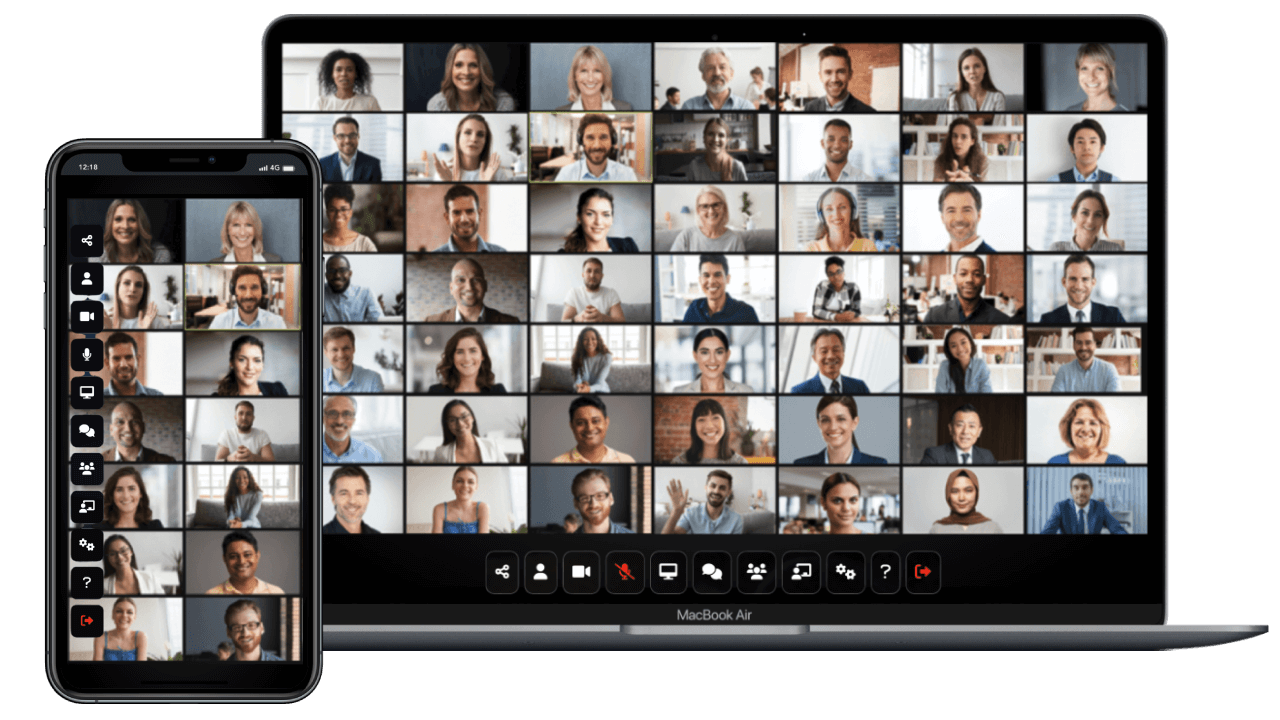 MiroTalk SFUScalable meetings, classes, and webinarsExplore SFU
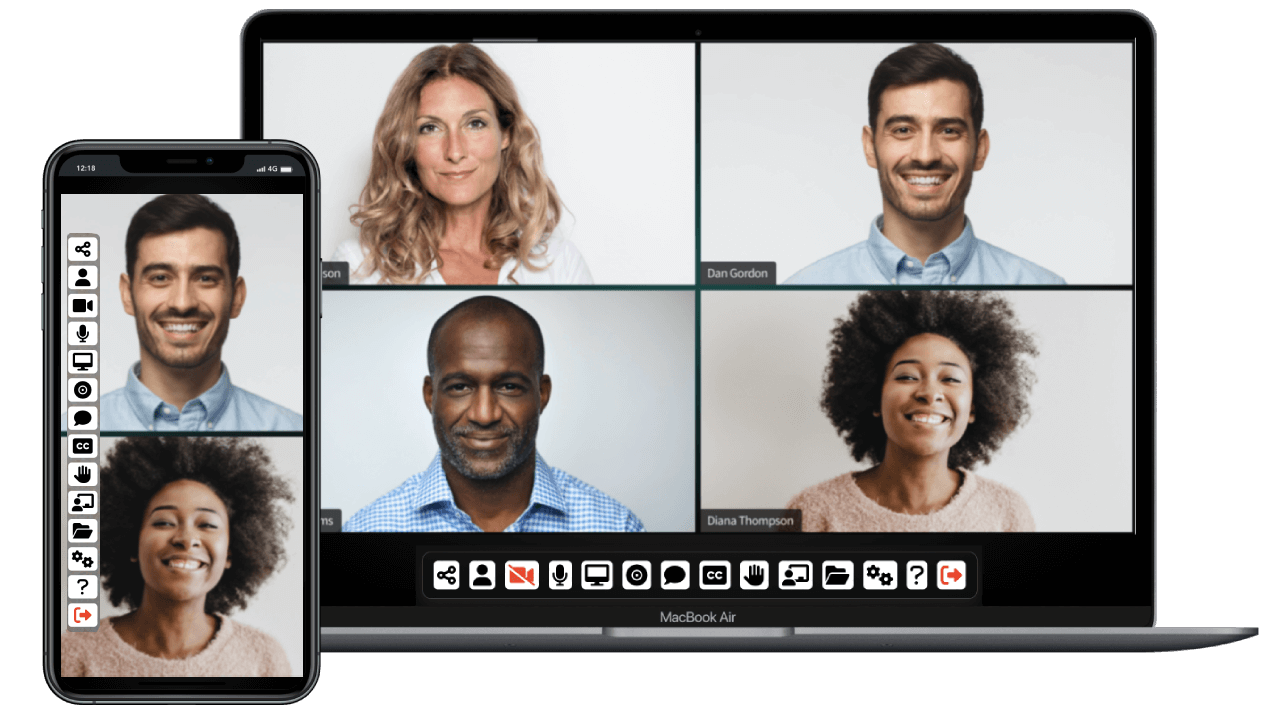 MiroTalk P2PPrivate calls and small-group mesh meetingsExplore P2P
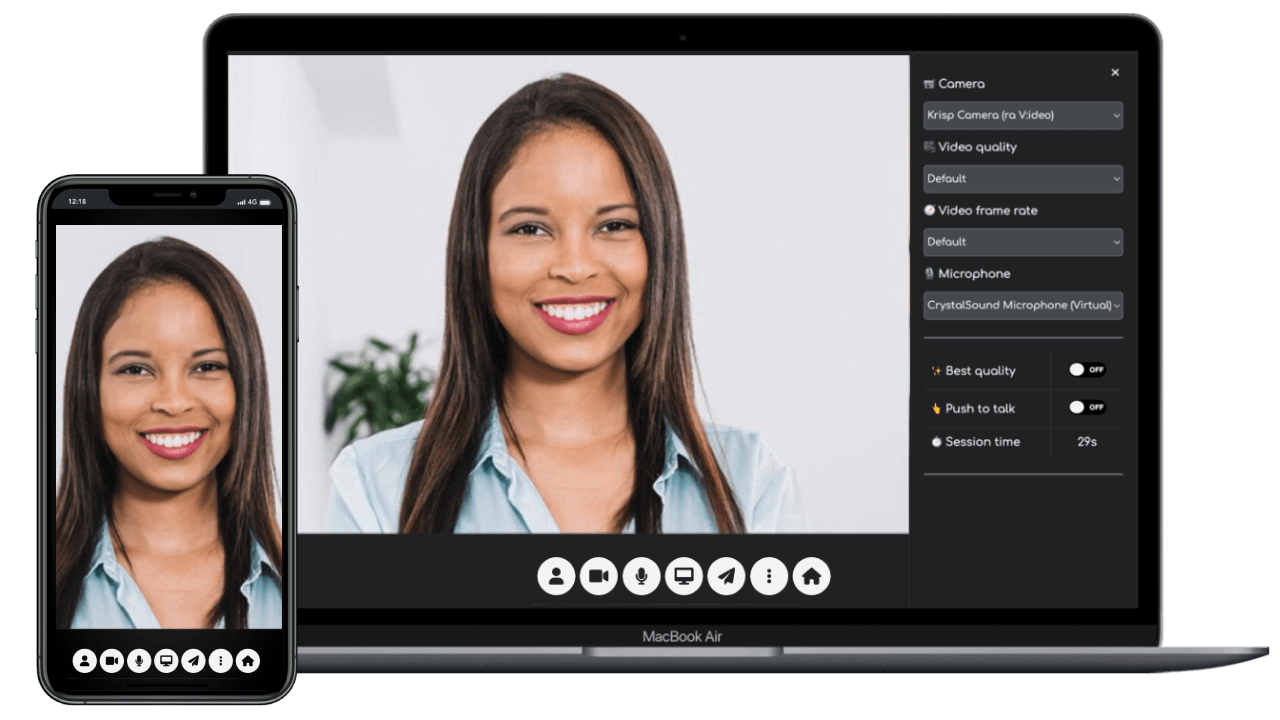 MiroTalk C2CFocused one-to-one camera callsExplore C2C
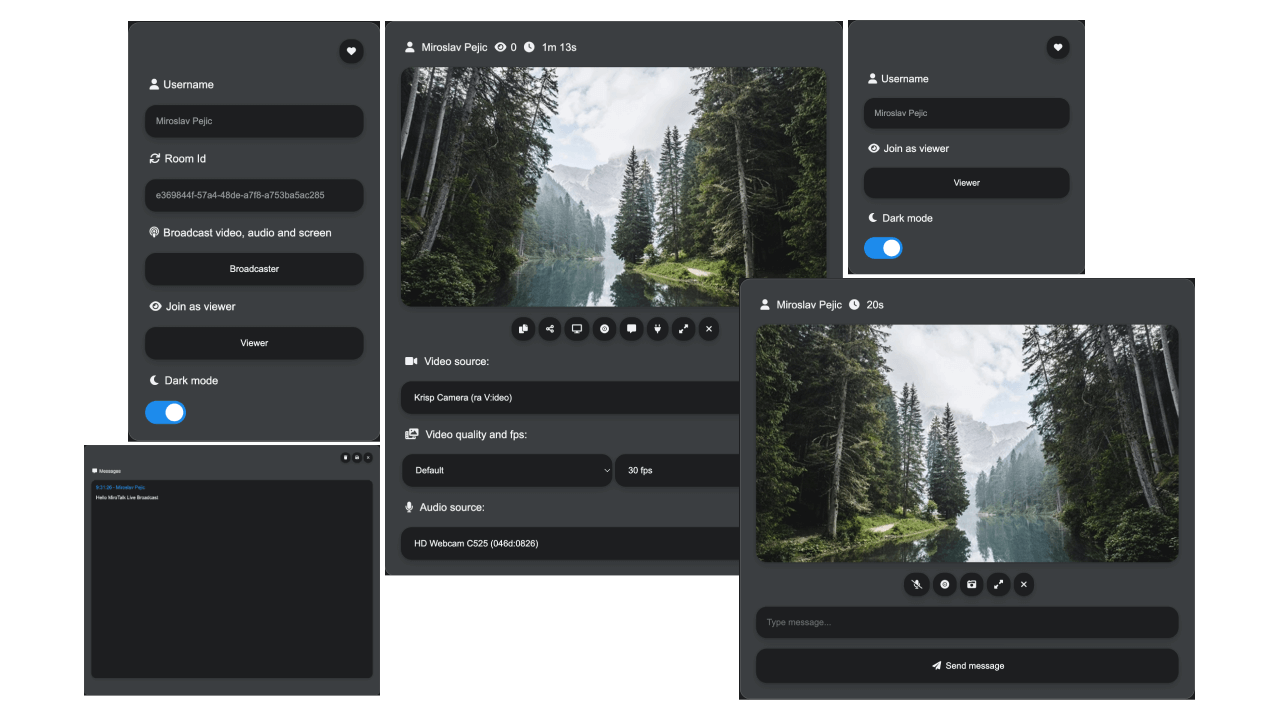 MiroTalk BROOne-to-many live broadcastingExplore BRO
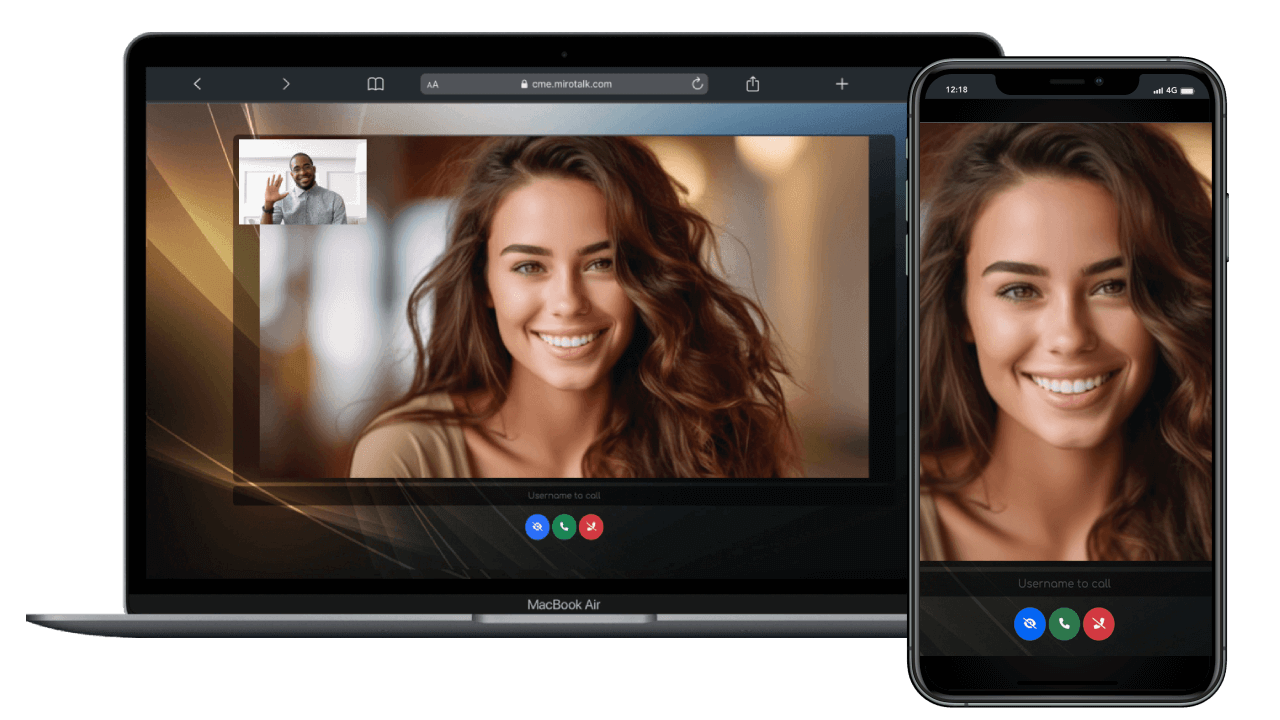 MiroTalk CMEAvailability and click-to-call workflowsExplore CME
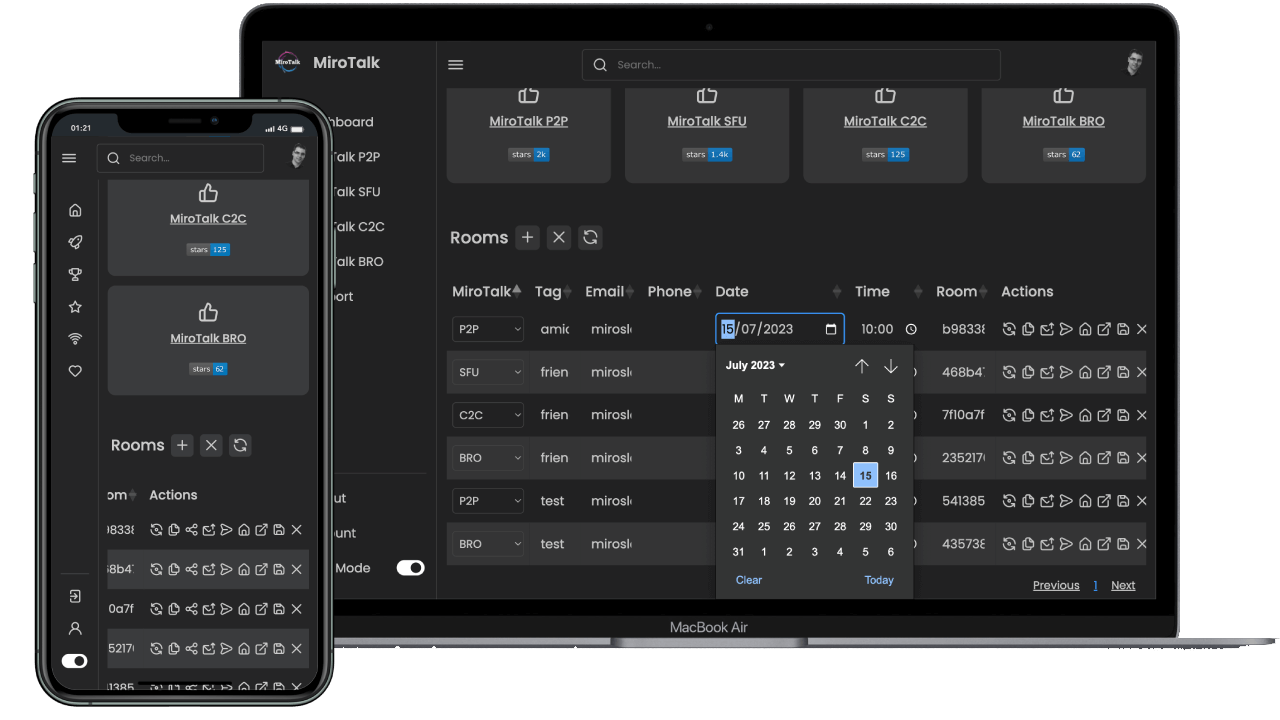 MiroTalk WEBAccounts, rooms, schedules, and invitationsExplore WEB
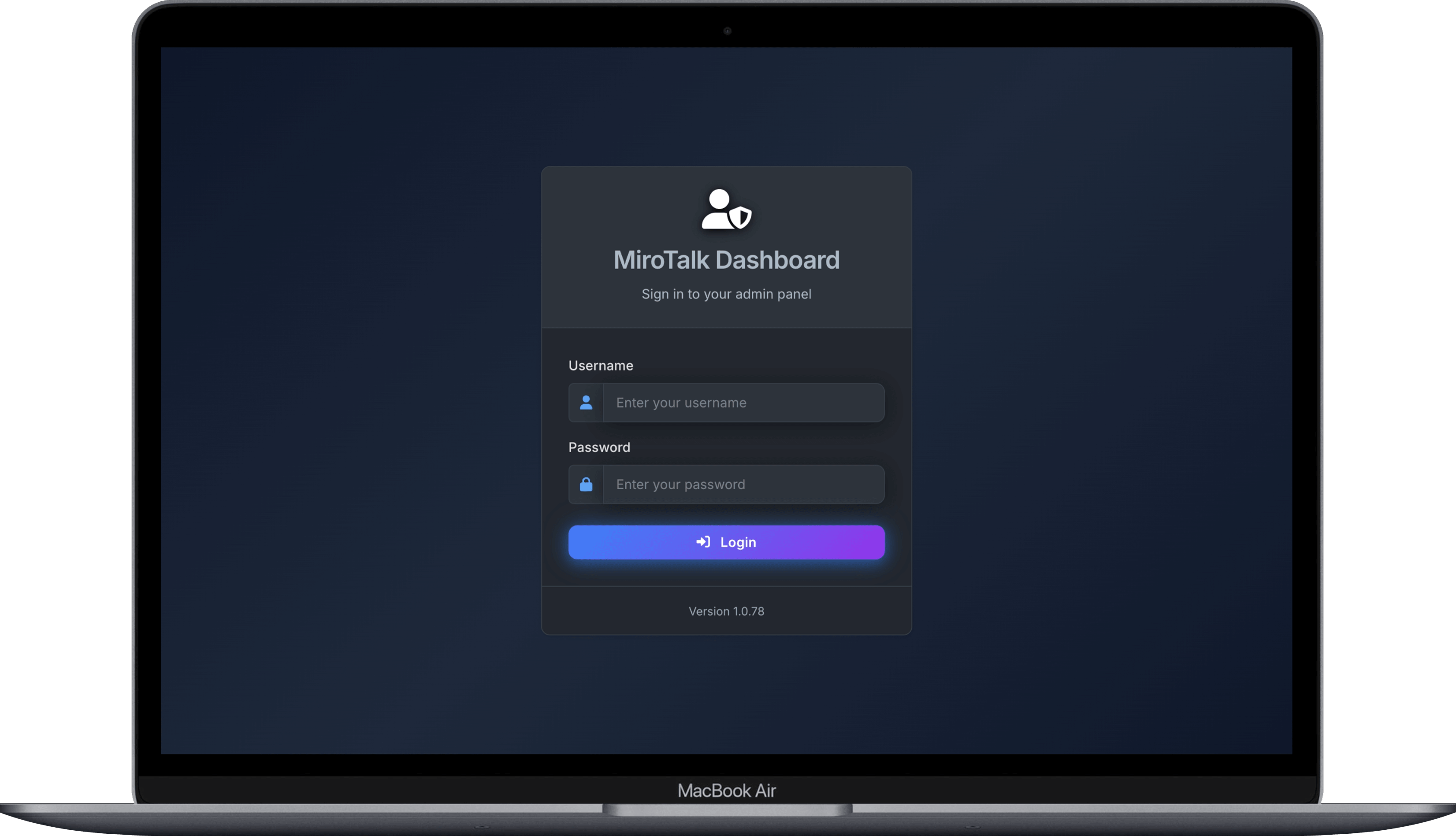 MiroTalk AdminConfiguration, updates, and service healthExplore Admin
The applications do not all expose the same capabilities. Review each product page or the technical comparison before treating a feature as bundle-wide.
Who is MiroTalk Ultimate for?
Launch a branded video platform
Build a customer-facing communication product with source access and a choice of meeting, calling, broadcasting, and scheduling workflows.
Deliver tailored client solutions
Customize and integrate focused video experiences for eligible client projects under the applicable license terms.
Control deployment and operations
Run communication services on infrastructure you control and connect them to your identity, security, and operational processes.
Support classes and tutoring
Combine group sessions, private calls, scheduling, invitations, and webinars according to the learning experience you provide.
Meet clients in your own workflow
Add consultations, coaching, onboarding, and customer-support calls to an existing service or portal.
Host interactive and broadcast formats
Choose between collaborative meetings, webinars, and one-to-many broadcasts based on audience size and participation needs.
A complete communication toolkit
Meet, call, and broadcast
Browser-based video and audio, screen sharing, chat, file exchange, collaboration tools, recording, transcription, and streaming where supported.
Connect it to your product
Direct links, iframes, widgets, REST APIs, webhooks, authentication, and calendar or service integrations across supported applications.
Control your deployment
Run on your infrastructure with product-specific configuration, access controls, administration, deployment tooling, and update workflows.
Compare product capabilities Choose by workflow
From source code to production
Run it on your infrastructure
Follow product-specific guidance for Linux, Node.js, PM2, Docker, Nginx, TLS, and subdomain deployments. Capacity depends on media architecture, concurrency, recording, streaming, and availability targets.
Open the self-hosting guide Review setup scriptsChoose the connection that fits
Launch rooms with direct links, embed a complete interface, add a widget, or automate supported products through REST APIs and webhooks.
Browse developer documentation Try an iframe integrationDo not use a single universal server-size estimate for every deployment. Test the chosen products under representative media, network, and concurrency conditions.
Integration examples
- [SFU iframe demo](https://codepen.io/Miroslav-Pejic/pen/LYXRbmE)
- [P2P iframe demo](https://codepen.io/Miroslav-Pejic/pen/jOQMVzx)
- [C2C iframe demo](https://codepen.io/Miroslav-Pejic/pen/ExOgNbJ)
- [BRO iframe demo](https://codepen.io/Miroslav-Pejic/pen/OJaRbZg)
- [WEB iframe demo](https://codepen.io/Miroslav-Pejic/pen/jOQMVxx)
- [React integration demo](https://codepen.io/Miroslav-Pejic/pen/QWzmGaZ)
- [SFU widget demo](https://codepen.io/Miroslav-Pejic/pen/LEpzGXO)
- [P2P widget demo](https://codepen.io/Miroslav-Pejic/pen/Byowjvb)
Choose the license for your end product
Both published purchase paths include source code for the seven applications and six months of support. The difference starts with how the resulting end product is offered to its users.
$299one-time purchase
Start here for one eligible end product where end users are not charged to access it.
- Source code for all seven applications
- Six months of included support
- Self-hosted deployment
$1,499one-time purchase
Start here for one eligible end product where end users can be charged to access it.
- Source code for all seven applications
- Six months of included support
- Eligible paid end-user access
Scope, eligibility, updates, support, redistribution, customization, rebranding, and monetization rights are governed by the applicable purchase terms, not this summary.
Read complete licensing guidance Read customer reviews
Common questions
Is MiroTalk Ultimate a subscription?
The published Regular and Extended purchase paths are one-time license purchases. Infrastructure, domains, external services, maintenance, and other operating costs are separate.
Can I customize and rebrand the applications?
The current offer includes source code and describes customization and rebranding rights. Confirm the permitted use, distribution, and number of end products in the applicable license before purchase.
Can all seven applications run on one server?
They can share infrastructure in some deployments, commonly using separate subdomains and reverse-proxy routes. Whether one server is appropriate depends on load, media architecture, resilience, storage, and enabled services.
Can I charge end users?
The Extended path is intended for eligible end products that charge end users. Review the complete terms because the commercial model and product structure can affect which license applies.
Where can I get deployment or customization help?
Enterprise services covers architecture, deployment, integration, customization, and operational enquiries. You can also contact MiroTalk by email.