Host Protection
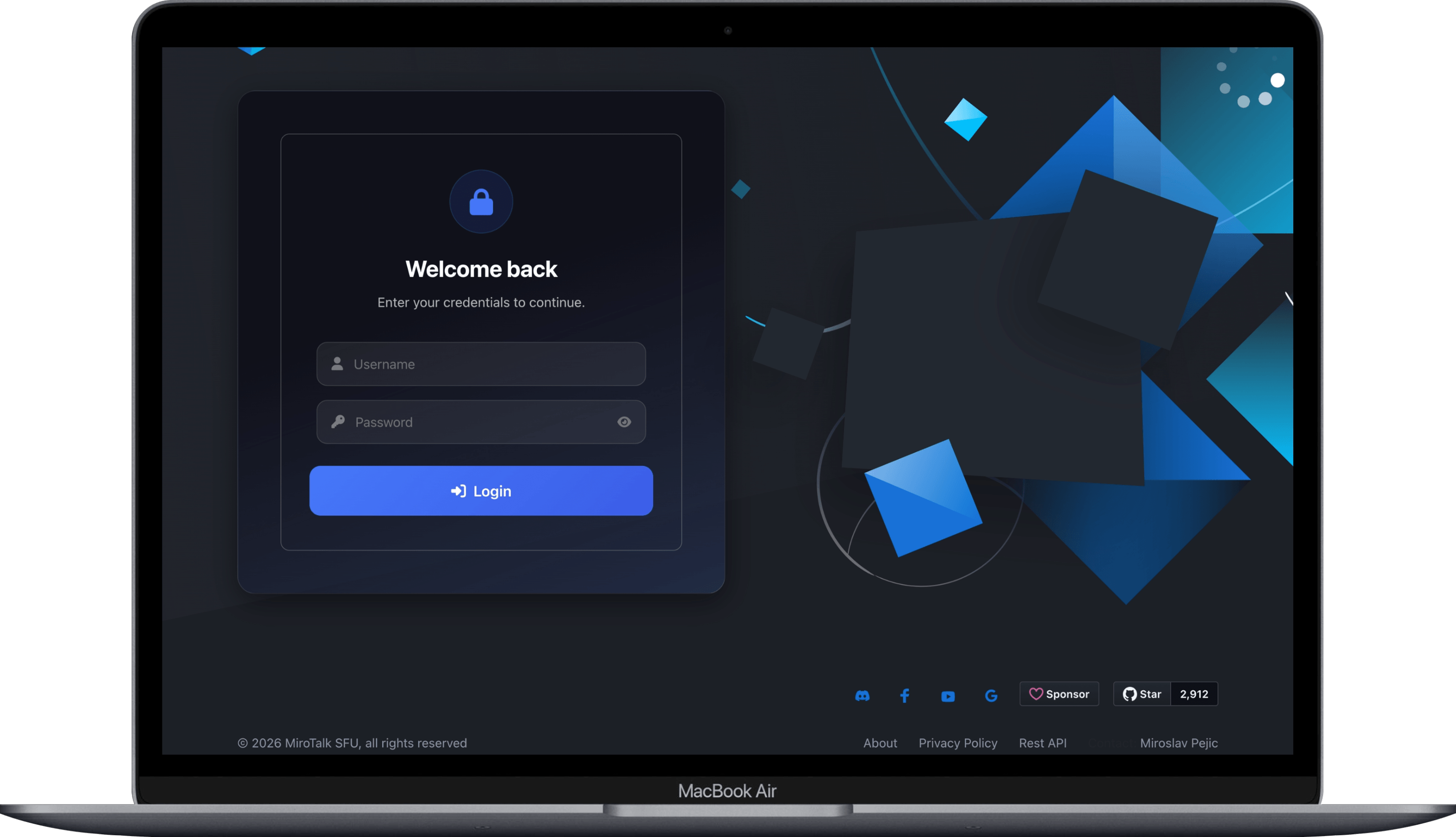
Host protection lets you secure video conferencing rooms by requiring authentication before creating or joining a room.
Configuration
Set these parameters in your .env file:
| Variable | Default | Description |
|---|---|---|
HOST_PROTECTED |
false |
Require the host to provide valid credentials during room initialization |
HOST_USER_AUTH |
false |
Require participants to authenticate before joining |
HOST_USERS |
— | Define host users in the format: username:password:displayName:allowedRooms (comma-separated rooms, or * for all) |
Example:
HOST_PROTECTED=true
HOST_USER_AUTH=false
HOST_USERS="user1:pass1:user-1:*|user2@mail.com:pass2:user-2:*|user3:pass3:user-3:*"
How It Works
When HOST_PROTECTED is true:
- The host must log in with a username and password.
- On success, the host's IP is saved as an authenticated IP.
- The host can now create rooms, join rooms, and share links.
- Guests can join freely while the host is active.
- When the host leaves the room or closes the browser, their IP is removed — preventing further unauthorized access.
- The host must log in again to regain access.
When HOST_USER_AUTH is also true, participants are additionally required to authenticate before joining.
Token
After authentication, a JWT token is stored in window.sessionStorage.peer_token. The default expiration is 1 hour, configurable via JWT_EXPIRATION in the .env file. Tokens can also be generated through the REST API.
Room Initialization
Bypass the login page and join a room directly with a token:
https://YOUR-DOMAIN-NAME/join/?room=test&token=TOKEN
Participant Room Entry
With HOST_PROTECTED enabled
After the host authenticates, participants can join using the room path:
https://YOUR-DOMAIN-NAME/join/test
Or with additional query parameters:
https://YOUR-DOMAIN-NAME/join/?room=test&roomPassword=0&name=mirotalksfu&audio=0&video=0&screen=0¬ify=0
With HOST_USER_AUTH enabled
Participants are prompted to log in before accessing the room:
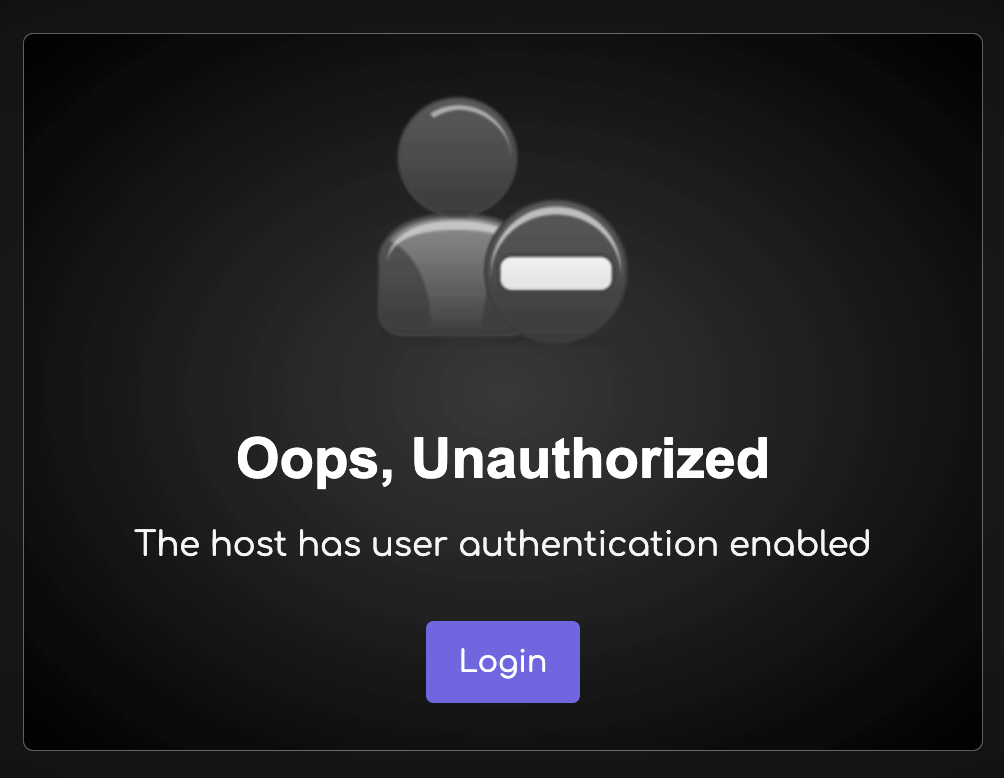
To skip the login prompt, pass a valid token in the URL:
https://YOUR-DOMAIN-NAME/join/?room=test&token=TOKEN
Or with additional participant settings:
https://YOUR-DOMAIN-NAME/join/?room=test&name=mirotalk&audio=0&video=0&screen=0¬ify=0&token=TOKEN