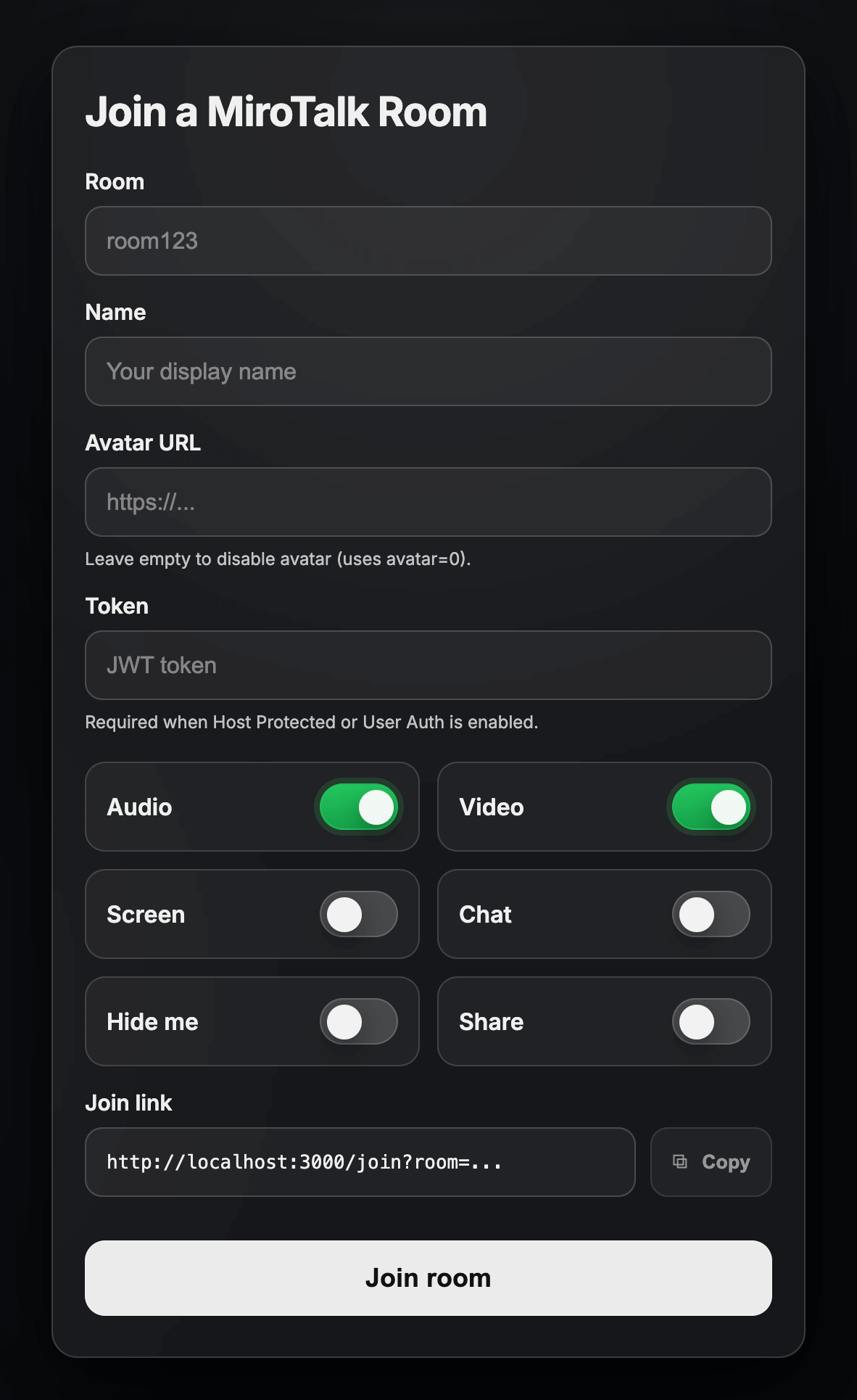
Joining Room Options
Description: Directly enter a room with full control over your settings. Customize your username, avatar, audio, video, screen sharing, notifications, and session duration through URL parameters.
Parameters
| Params | Type | Description |
|---|---|---|
room |
string | Unique room identifier. Set to random for auto-generated ID. |
name |
string | Display name. Set to random for auto-generated name. |
avatar |
Mixed | Avatar image URL displayed when camera is off. |
audio |
boolean | Enable (1) or disable (0) audio. |
video |
boolean | Enable (1) or disable (0) video. |
screen |
boolean | Enable (1) or disable (0) screen sharing. |
chat |
boolean | Enable (1) or disable (0) chat on join. |
hide |
boolean | Hide self from room view: 1 to hide, 0 to show. |
notify |
boolean | Show welcome message: 1 to enable, 0 to disable. |
duration |
string | Maximum room duration in HH:MM:SS format, or unlimited. |
token |
string | User token. Required if HOST_PROTECTED or HOST_USER_AUTH is enabled in .env. |
Important: Replace
YOUR-DOMAIN-NAMEwith your actual MiroTalk P2P server URL.Note: If the
nameorroomparameter is set torandom, a random value will be generated automatically.
By utilizing these URLs and parameters, you can customize your room entry experience — including identity, media preferences, screen sharing, and welcome messages.
Demo: https//YOUR-DOMAIN-NAME/customizeRoom