Central Configuration
Review and maintain service settings and environment configuration from one interface.
Centralize configuration, updates, credentials, process monitoring, and lifecycle operations for MiroTalk services running on your infrastructure.
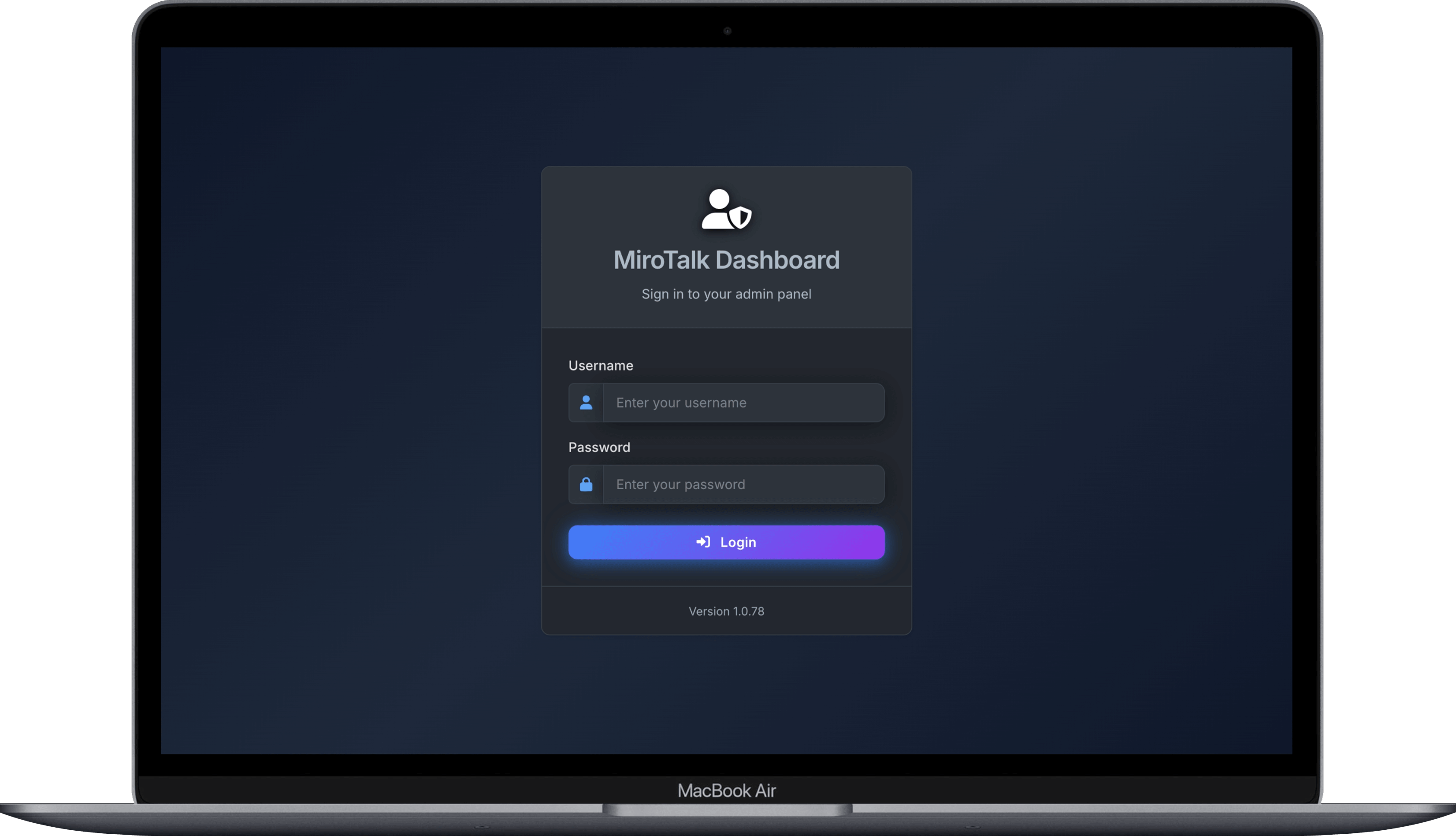
Operations in One Place
Give operators a focused dashboard for routine service administration without turning the control plane into a meeting or media server.
Review and maintain service settings and environment configuration from one interface.
Coordinate updates across the MiroTalk services connected to your deployment.
Inspect operational status and keep track of managed application processes.
Operate several deployed MiroTalk instances from a centralized dashboard.
Manage dashboard users and credentials for your operations team.
Start, stop, restart, and maintain services through the configured management mode.
Flexible Deployment
Use the least-privileged mode that supports where and how your MiroTalk services run.
Manage services on remote hosts with pinned host keys and tightly scoped credentials.
Control sibling MiroTalk containers through the Docker daemon on the host.
Operate local Node.js application processes and their configuration through PM2.
Privileged by Design
Admin can affect every managed service. Isolate the dashboard, restrict operator access, and protect every credential it uses.
Read the Deployment GuideCommon Questions
Ready to Operate
Deploy the dashboard, choose a management mode, and secure access before connecting production services.
Open the Quick Start