MiroTalk Admin
A secure management panel for deploying, updating, and operating your MiroTalk ecosystem.
One dashboard for credentials, instances, updates, and infrastructure workflows.
Operate Multiple Instances With One Control Plane
MiroTalk Admin helps you manage core services, review configuration settings, secure access, and streamline maintenance across your MiroTalk deployments from a single interface.
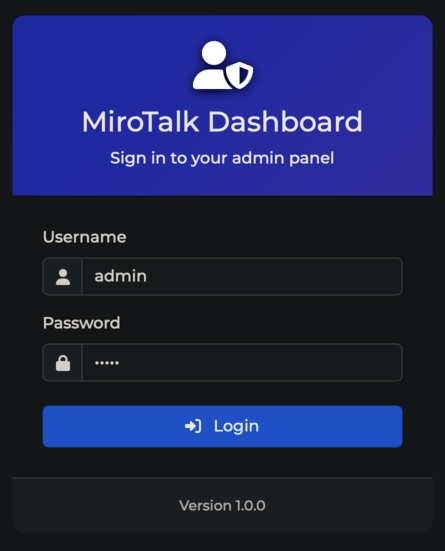
Built For Real Deployment Work
Use the admin panel to keep instances organized, secured, and easier to maintain over time.
Access Control
Protect the dashboard with custom credentials, password hashing, and JWT secrets.
Fast Setup
Start quickly with standard Node.js setup, PM2 process management, or Docker-based deployment.
Instance Oversight
Track and manage multiple MiroTalk services from one place instead of separate machine-by-machine workflows.
Operational Flexibility
Choose SSH, Docker, or PM2 depending on how your infrastructure is currently managed.
Quick Start
Clone the project, configure the environment, and launch the dashboard with the default local workflow.
Open Quick StartSelf-Hosting Guide
Set up production hosting, Nginx, HTTPS, Docker, and PM2 using the full deployment instructions.
Open Self-HostingGitHub Repository
Browse the repository, source files, and release history for MiroTalk Admin on GitHub.
View Repository